The $81,267 AI Bill Was Fake. Your Cost Risk Is Not
The $81,267 AI Bill Was Fake. Your Cost Risk Is Not
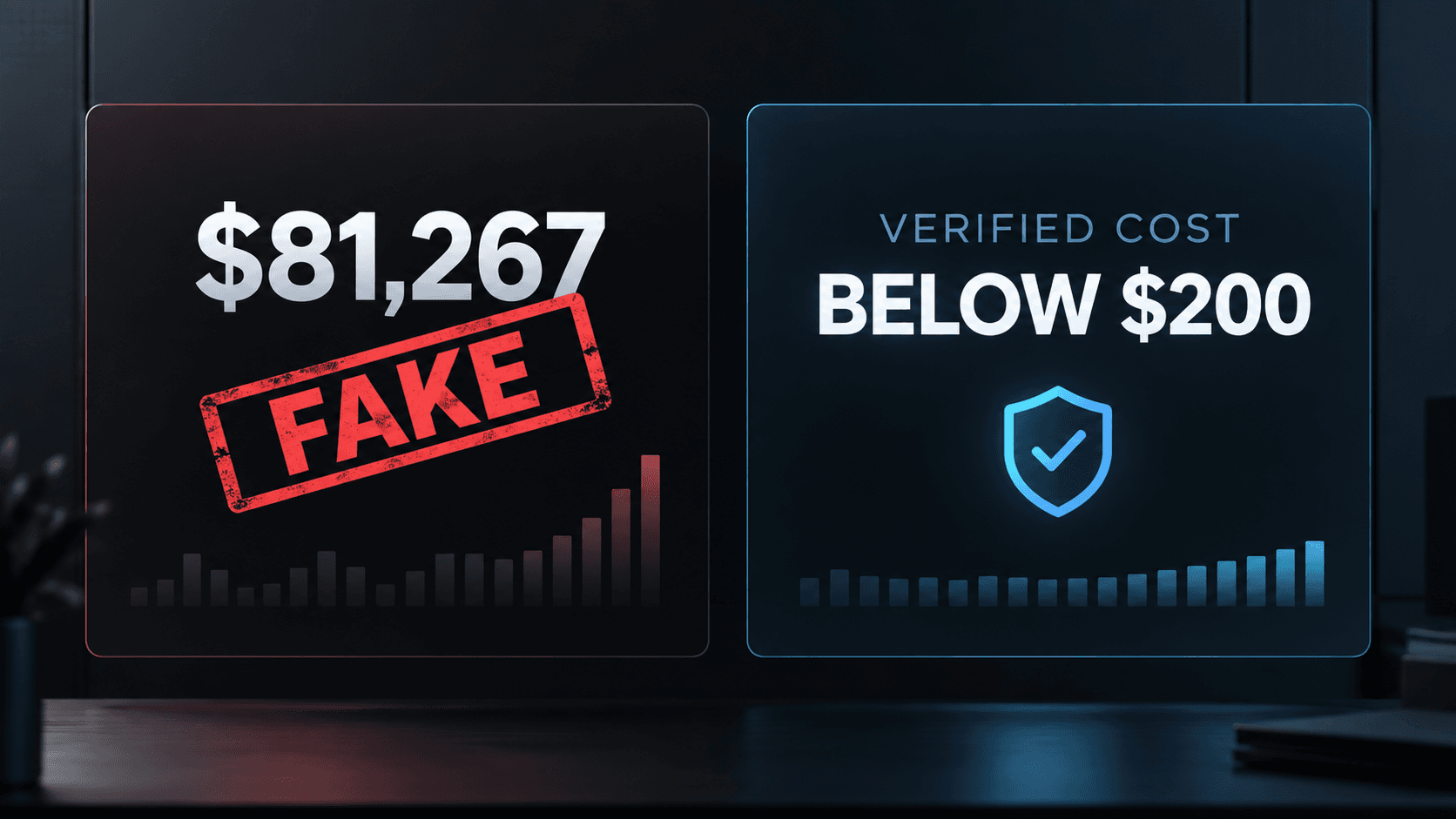
He built a game in one day. The $81,267 bill was fake.
That correction matters because the original story spread everywhere.
Nicolas Brillante, Head of Strategic Verticals at the fintech company Slash, built a meme-themed shooter called Brainrot Shooter. A screenshot appeared to show $81,267 in AI usage. News sites and social accounts treated it as a real accident.
It was not.
Slash later stated that Brillante spent less than $200 building the game. Brillante's own website now describes the incident as a fake $80,000 AI disaster that reached millions of views.
The line, "This was a genuine accident, I underestimated my own ability," was part of the joke. It was not a verified confession about an $81,267 invoice.
That changes the story. It does not remove the business problem underneath it.
Many teams still give AI tools open access to metered services, shared keys, large context windows, and multi-step agent loops. They can see the final invoice, but they cannot always see which person, project, model, or workflow created it.
The fake bill went viral because it felt possible.

Why the story was believable
AI coding does not feel like traditional infrastructure spending.
You do not watch a new server appear each time the agent reads a file. You do not see money leave when it searches the repository, retries a failed tool call, or sends the growing conversation back to a model.
The interface feels like a chat. The billing behaves like metered compute.
A normal coding session can include:
- Repository searches.
- Large file reads.
- Repeated context uploads.
- Model calls for planning and execution.
- Tool calls that trigger more model calls.
- Retries after failures.
- Test generation and repair loops.
Each action may be reasonable on its own. The total becomes hard to predict when the agent decides how many steps to take.
That is the real lesson. The cost risk comes from an open loop with no enforced boundary.
An alert is not a spending cap
Teams often say they have cost controls because the provider emails them when usage reaches a budget threshold.
That is useful, but it may only be an alert. It may not reject the next request.
Before relying on any provider setting, test it:
- Create a small test project with a low budget.
- Send requests until the threshold is reached.
- Check whether later requests fail or continue.
- Measure the delay between usage and the dashboard update.
- Confirm who receives the notification.
If requests continue, you have monitoring, not enforcement.
A real spending wall sits in the request path and can say no before the next model call happens.

Build the wall before the workflow
This is the cost-control sequence I would use for a production AI system.
Step 1: Separate every workload
Do not run production, testing, employee experiments, and client projects through one shared API key.
Separate them by:
- Environment.
- Customer or workspace.
- Product feature.
- Team.
- Experiment.
Each unit should have its own project, credential, or internal billing tag where the provider and architecture allow it.
If everything shares one key, you can see that money was spent. You cannot reliably tell who spent it or which feature should be stopped.
Step 2: Estimate one successful run
Do not begin with a monthly budget. Begin with one unit of work.
For a coding agent, one unit could be a completed task. For a document agent, it could be one processed file. For a support agent, it could be one resolved conversation.
Estimate:
Cost per run = model input + model output + tools + storage + retries
Then test the same task several times. Record the median, the expensive edge case, and the failed run.
The failed run matters. A timeout that triggers repeated attempts may cost more than a successful request.
Step 3: Put a maximum cost on one run
Every autonomous workflow needs a per-run ceiling.
The agent should stop when it reaches any of these limits:
- Maximum model requests.
- Maximum tool calls.
- Maximum tokens.
- Maximum elapsed time.
- Maximum retry count.
- Maximum estimated cost.
These limits should live in code outside the model. A system prompt saying "do not spend too much" is not a control.
The model does not own the meter. Your orchestrator does.
Step 4: Enforce workspace and organization budgets
Per-run limits stop one workflow. They do not stop thousands of valid workflows from exhausting the monthly budget.
Use three layers:
Layer
What it controls
Example action
Run
One task or conversation
Stop the loop and save progress
Workspace
One client, team, or feature
Reject new jobs and alert the owner
Organization
Total AI spending
Disable nonessential workloads
Keep a small reserve for essential operations. If an experiment reaches its limit, it should not block customer support or production monitoring.
Step 5: Check the budget before every expensive call
The check must happen before the request reaches the provider.
Agent requests model call
-> Estimate request cost
-> Check remaining run budget
-> Check remaining workspace budget
-> Check organization policy
-> Allow or reject
After the provider responds, record the actual usage and update the remaining budget.
Cost estimates will not always match the final charge. That is why the system needs a safety margin and reconciliation against provider usage data.
Step 6: Stop retry storms
Retries are useful when a service fails for a moment. They become expensive when every failure creates another full request.
For each dependency, define:
- Which errors can be retried.
- How many attempts are allowed.
- How long to wait between attempts.
- Whether the same context must be sent again.
- What happens after the last failure.
Use exponential backoff with randomness for temporary failures. Do not retry authentication errors, invalid input, blocked content, or a rejected budget check.
If the agent changes its plan after a failure, count that as another paid step.
Step 7: Control context growth
Agents often resend conversation history, tool results, file contents, and instructions on later turns. A long task can become more expensive as it continues.
Reduce unnecessary context:
- Send only the files needed for the current step.
- Remove old tool output after extracting the useful result.
- Summarize completed work before the next phase.
- Cache stable instructions where the provider supports it.
- Avoid sending generated files back to the model unless review is required.
- Use a smaller model for classification, search, and routine checks.
Do not cut context blindly. Removing a requirement can cause errors and expensive rework. Measure task success beside cost.
Step 8: Alert before the wall
Hard limits stop spending. Alerts give a person time to decide what should happen next.
Use several thresholds before the limit, for example:
- Early warning.
- Owner review.
- Restricted mode.
- Hard stop.
Send alerts to the person who can act. A message to a finance inbox is not enough when an agent is still running.
The alert should include:
- Project and environment.
- User or service identity.
- Current spend and limit.
- Model and provider.
- Expensive workflow or endpoint.
- Recent change in usage.
- Link to pause the workload.
Step 9: Add a kill switch
You need a way to stop model traffic without shutting down the whole application.
The switch can operate at several levels:
- Disable one agent.
- Disable one customer workspace.
- Block one model.
- Stop background jobs.
- Put the product into read-only or human-review mode.
Test the switch before launch. Confirm that queued jobs, scheduled tasks, retries, and workers also stop.
Step 10: Review cost like reliability
Do not wait for the monthly invoice.
Review these metrics by day, project, customer, feature, and model:
- Total cost.
- Cost per successful outcome.
- Tokens per run.
- Model calls per run.
- Tool calls per run.
- Retry rate.
- Failed-run cost.
- Highest-cost users and workflows.
- Change after each release.
A cheaper system that completes fewer tasks is not an improvement. Pair cost with completion rate, error rate, and human correction time.
A simple enforcement pattern
The production pattern can be small:
def call_model(request, budget):
estimated_cost = estimate_cost(request)
if estimated_cost > budget.remaining_for_run:
raise BudgetExceeded("Run budget reached")
if estimated_cost > budget.remaining_for_workspace:
raise BudgetExceeded("Workspace budget reached")
response = provider.send(request)
record_usage(
run_id=budget.run_id,
workspace_id=budget.workspace_id,
model=response.model,
input_tokens=response.usage.input_tokens,
output_tokens=response.usage.output_tokens,
)
return response
The exact code depends on the provider and billing model. The important decision is architectural: every paid call passes through one place that can measure, attribute, and reject it.
If a developer or agent can bypass that path with an unrestricted key, the wall has a door in it.
What to do today
You do not need a large FinOps program to reduce the first risk.
Do these checks now:
- List every AI provider and active API key.
- Find shared keys used by several people or environments.
- Separate production from experiments.
- Confirm whether provider budgets block requests or only send alerts.
- Add a per-run limit to every autonomous loop.
- Set retry, token, tool-call, and time limits.
- Route paid calls through one enforcement service.
- Add alerts with an owner and a pause action.
- Test the kill switch.
- Review cost per successful outcome each week.
The release checklist
Before an AI workflow reaches production, confirm:
- [ ] Production and experiments use separate credentials.
- [ ] Every request is attributed to a user, project, and environment.
- [ ] One successful run has a measured cost baseline.
- [ ] Failed and retried runs have also been measured.
- [ ] Each run has token, request, tool, retry, time, and cost limits.
- [ ] Workspace and organization budgets are enforced.
- [ ] The budget check happens before every paid request.
- [ ] Provider alerts have been tested and are not mistaken for hard caps.
- [ ] Context growth is measured during long tasks.
- [ ] Expensive models and tools require explicit permission.
- [ ] Alerts identify an owner and include a pause action.
- [ ] Queued work stops when the kill switch is used.
- [ ] Cost is reviewed beside task success and quality.

The lesson was not the invoice
The $81,267 invoice never existed.
The real story is that a fake screenshot looked believable to reporters, companies, and technical audiences because AI cost is still difficult to judge from the outside.
Do not repeat the fake number as evidence of a real accident.
Use it as a reason to inspect your own system. If nothing can stop the next request, you do not have a spending cap. You have an invoice you have not received yet.
Sources
Stay ahead of the curve
Join my private newsletter for exclusive insights, tools, and thoughts straight to your inbox. No spam, just value.